Run your short-term rental from one calm dashboard
Stay It's Easy helps hosts manage bookings, guest portals, cleaner tasks, issue reports and guest communication — without messy spreadsheets or manual messages.
Built for independent hosts, apartment owners and small rental managers.
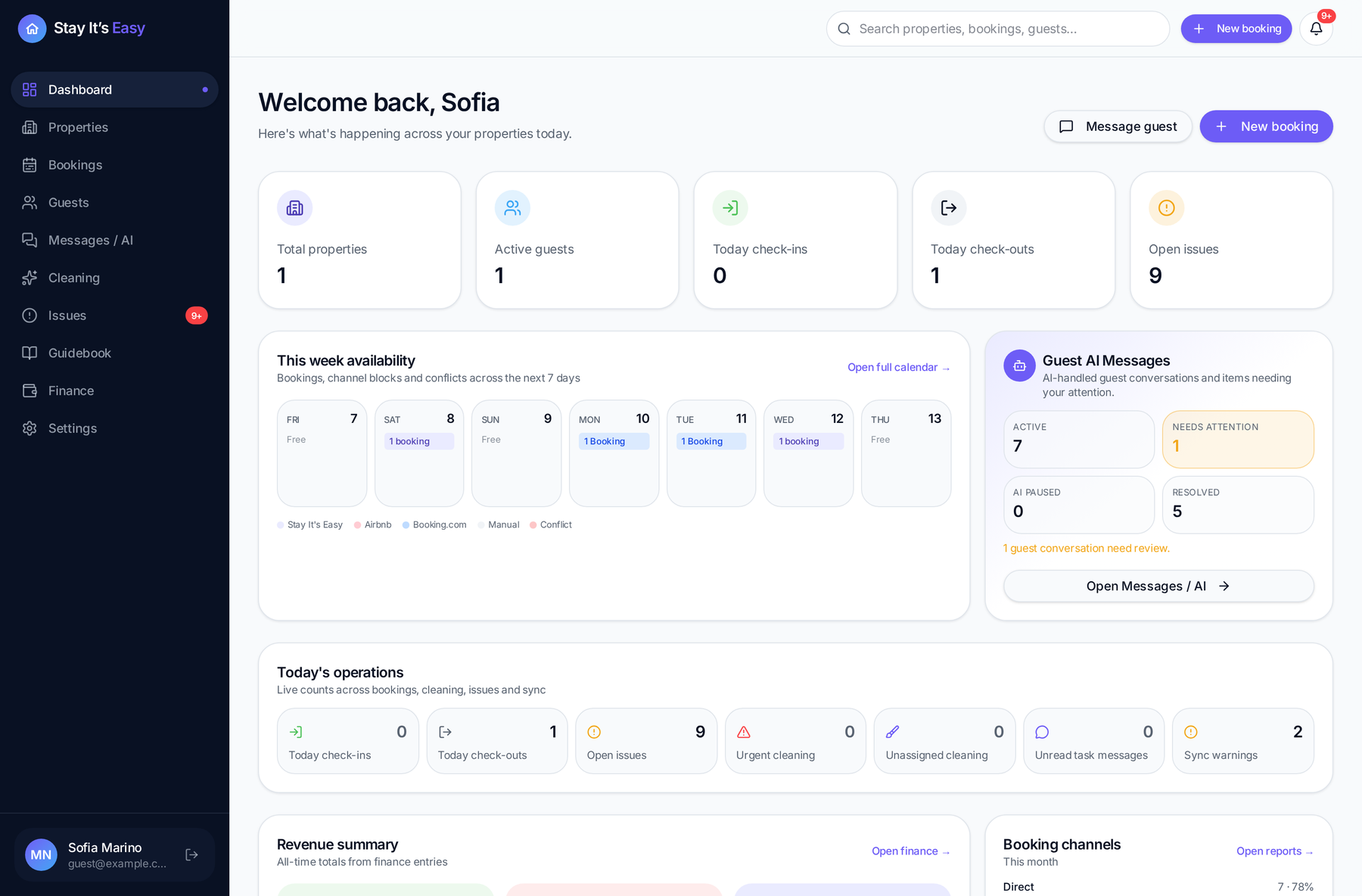
Owner dashboard
Your day at a glance
Check-ins, checkouts, open issues and occupancy for every property in one screen — no spreadsheet to open first.
- Today's arrivals and departures
- Open guest issues
- Occupancy per property
Hosting shouldn't live in five different apps
If any of this sounds familiar, this is exactly what we're solving.
Bookings in a spreadsheet
Guest questions in WhatsApp, dates in another tab, notes on paper.
Cleaners coordinated by hand
Every checkout means another round of messages to arrange the turnover.
The same questions, every stay
Check-in, Wi-Fi, parking — answered again and again, often at night.
Problems found too late
A broken boiler or missing towel reaches you only after the guest leaves a review.
From booking to guest-ready
One booking sets the rest of the stay in motion.
Step 1
Create the booking
Add the guest, dates and property in one place.
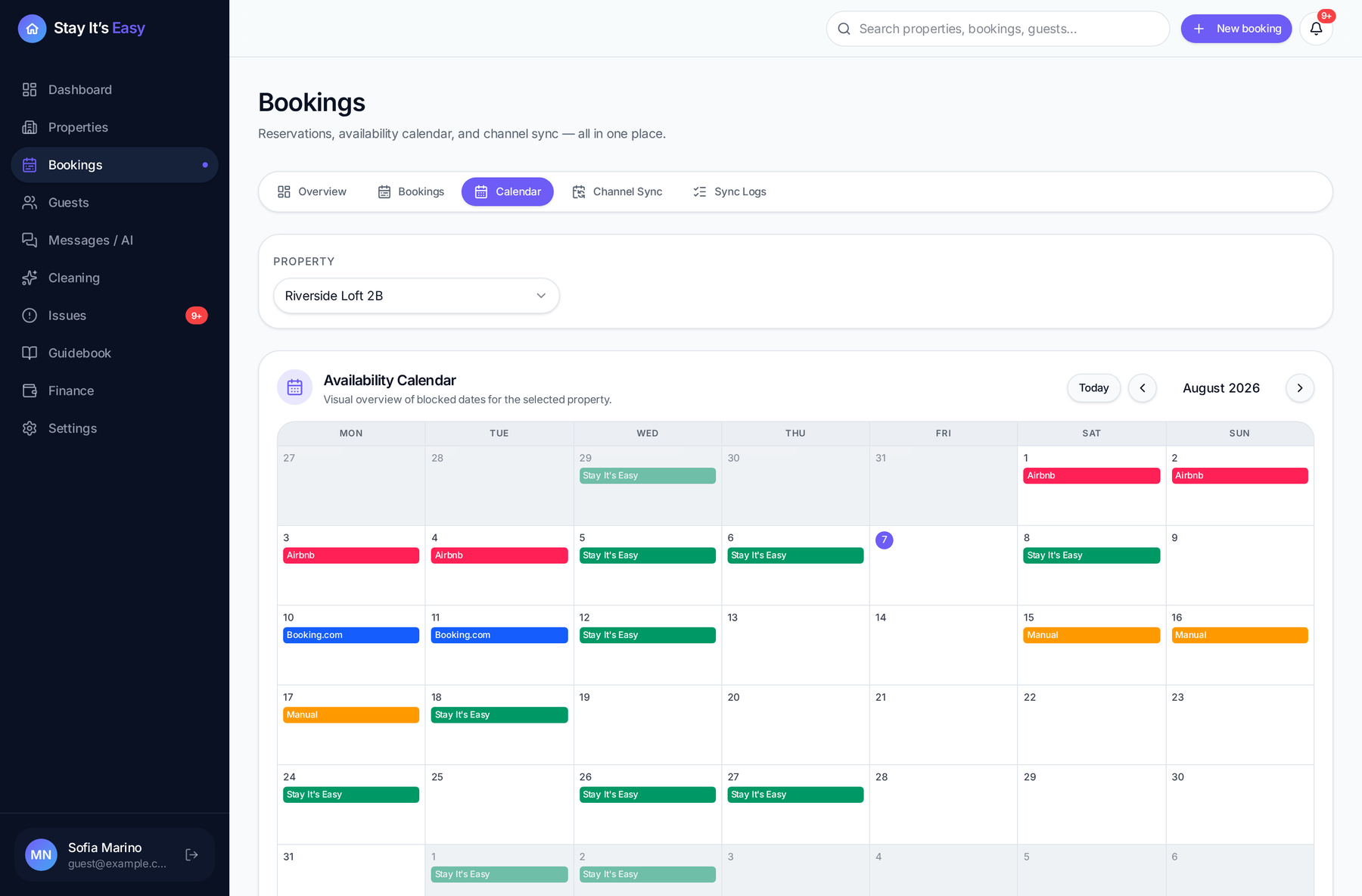
Step 2
Guest portal is generated
A private stay link is created with check-in, Wi-Fi, rules and local information.
 Guest portal sentRiverside Loft 2B · today
Step 3
Cleaning task is created
Turnover tasks are prepared automatically after checkout.
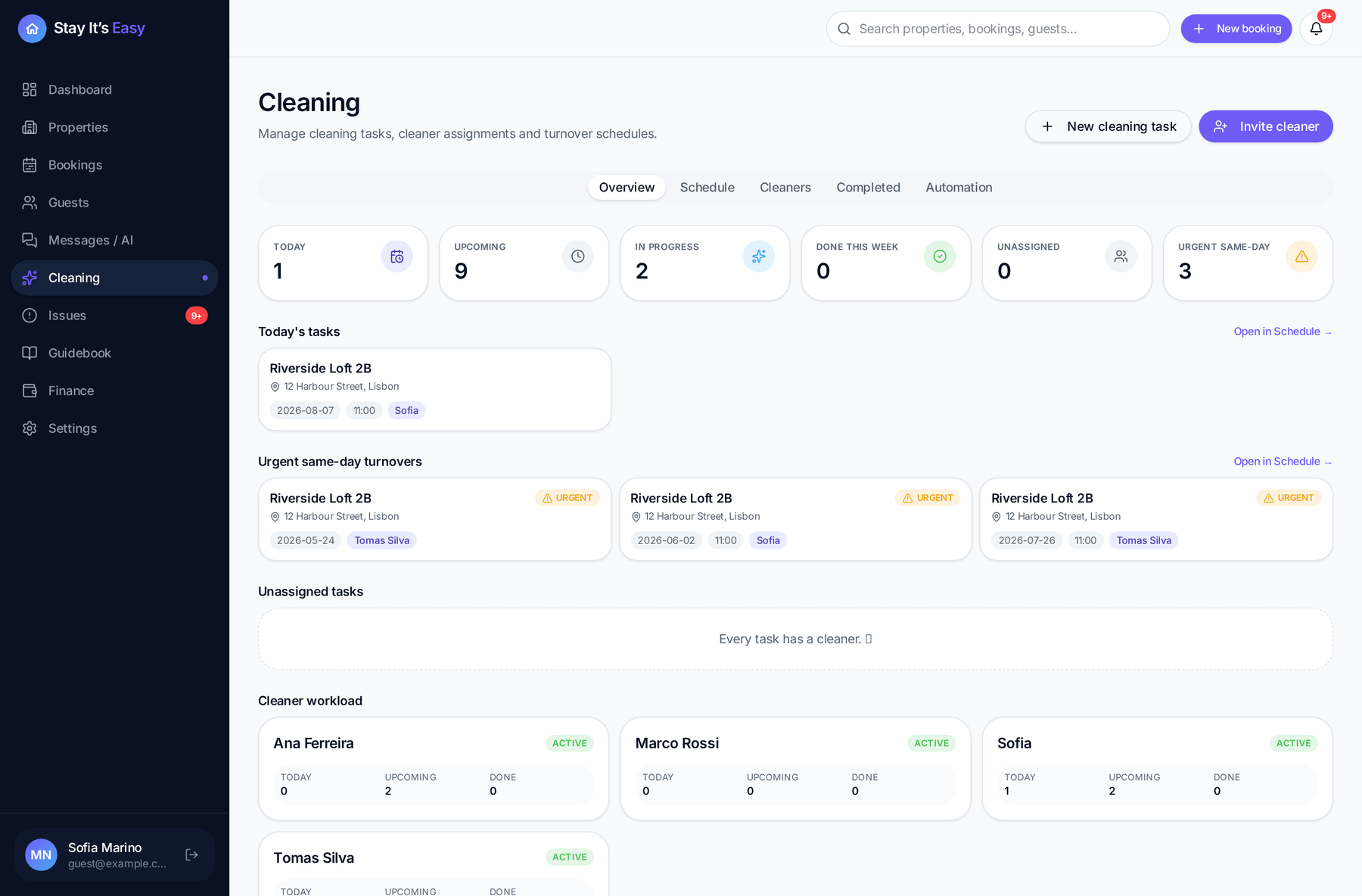
Step 4
Cleaner gets notified
The assigned cleaner receives the task and sees only their own work.
Cleaner notifiedTurnover · 11:00 checkoutStep 5
Guest has everything they need
Guests can find answers and report issues without waiting for manual messages.
 Issue reportedShower pressure · new
Everything your stays need, in one place
Designed for independent owners managing apartments, rooms and studios.
Multi-property management
Apartments, rooms and studios organized in one workspace.
Bookings and availability
A calendar that shows what's booked, blocked and free before you confirm a stay.
Private guest portals
Every booking gets its own private link, no app install for the guest.
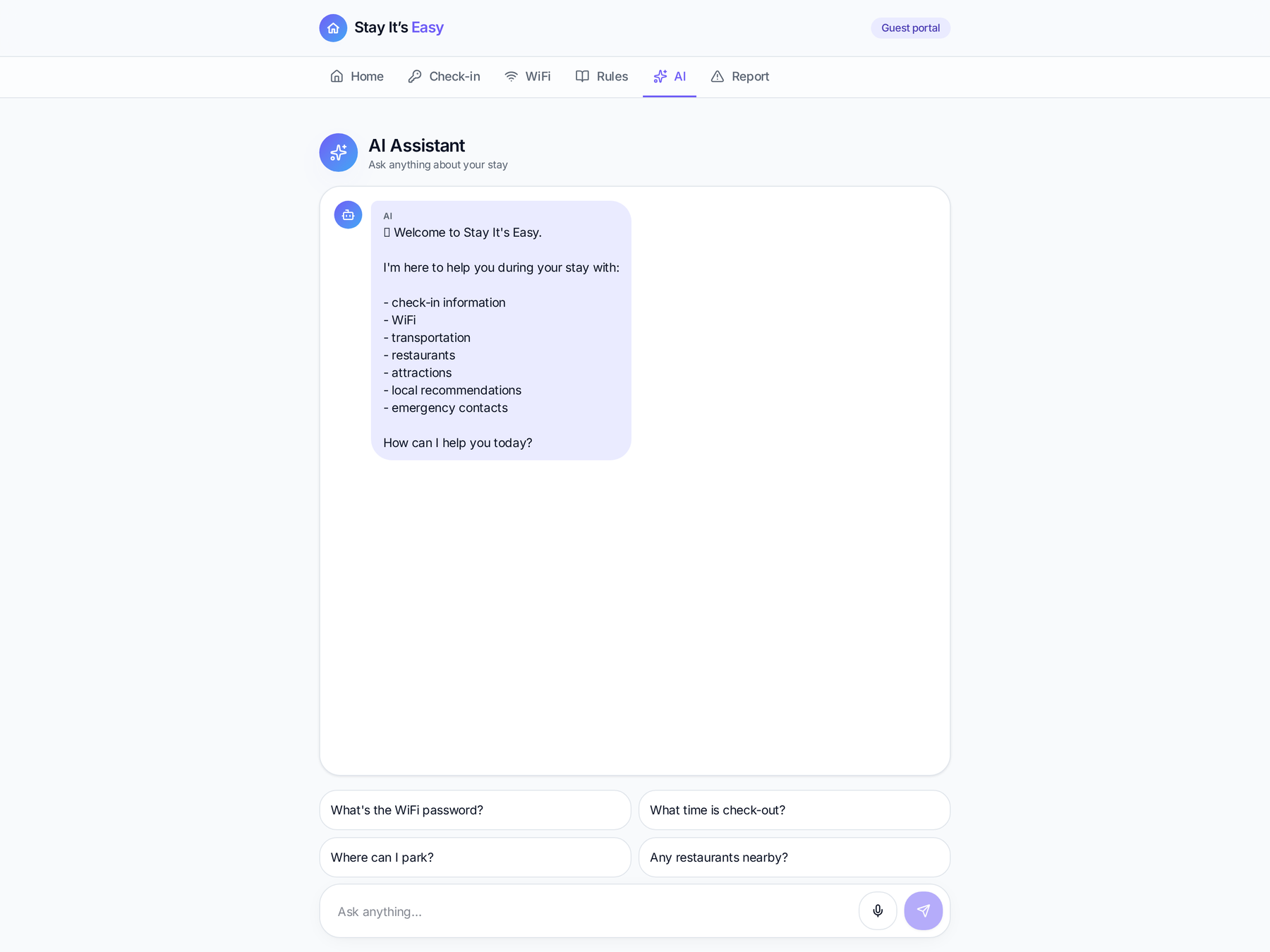
AI Guest Assistant
Answers the routine questions inside the guest portal, in the guest's language.
Cleaner team and tasks
Invite cleaners and give each one only the turnovers they own.
Guest issue reporting
Guests report a problem from the portal instead of a late-night call.
Owner notifications
Email alerts for new bookings and reported issues, controlled in Settings.
Finance overview
Revenue and expenses tracked per property.
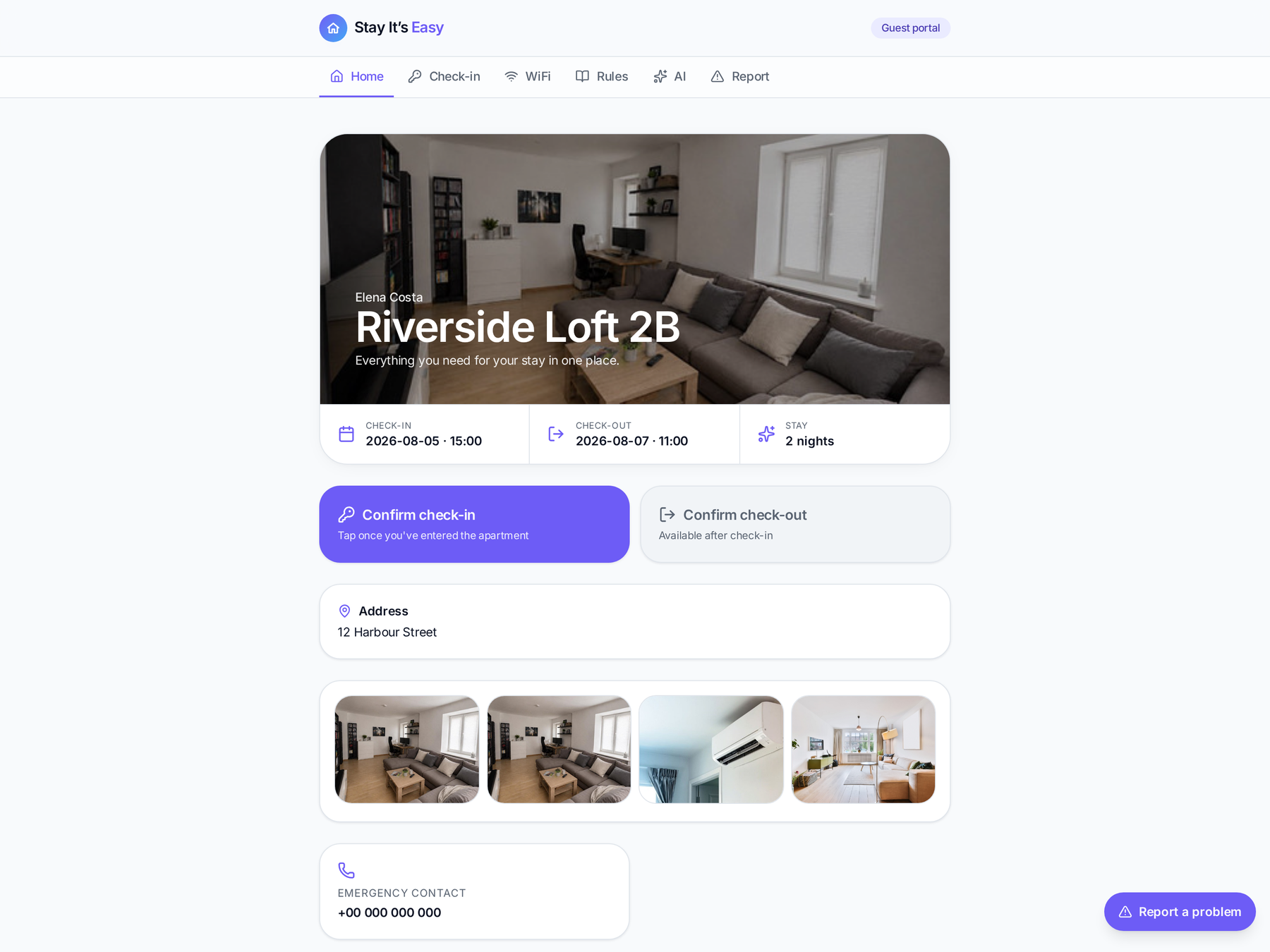
A private portal for every stay
Every booking can have its own private guest link: check-in instructions, Wi-Fi, house rules, parking, local recommendations and a way to report a problem — all in one page, in the guest's preferred language. Send it by email with one click, no app to install.
- Check-in details, Wi-Fi and house rules always available
- Parking and local recommendations for the neighbourhood
- Problem reporting that reaches you immediately
- Available in the guest's language
How it works
- 1Create the booking
Add the guest and dates in your dashboard. - 2Share the private link
Send the guest portal link by email in one click. - 3The guest is self-sufficient
They find what they need and report anything that's wrong.
Turnover flow
- 1Set a default cleaner
Choose the default cleaner on each property. - 2Checkout happens
The turnover task is created and assigned automatically. - 3The cleaner is notified
They get an email and see only their own tasks.
Turnover · Apartment Vardar
After 11:00 checkout · assigned to Ana
Turnovers that organize themselves
Assign a default cleaner per property. When a booking checks out, the turnover task is created and assigned automatically — the cleaner gets an email and sees only their own tasks in their own dashboard. You can still create and reassign tasks manually whenever you need to.
Guests get answers without waiting for you
Inside the guest portal, guests can ask about Wi-Fi, check-in, parking, house rules, transport and local recommendations. Answers are based on the details you entered for that property, in the guest's language.
What's the Wi-Fi password?
The network is Vardar-Guest and the password is in your check-in details — I've pinned it at the top of your portal.
Où puis-je me garer ?
Le parking résidentiel est au sous-sol, place 14. Le code du portail est dans vos instructions d'arrivée.
It answers guest questions in the portal — it does not message guests on your behalf.
Early access
Pricing will be announced soon. We are currently onboarding selected hosts and small rental managers.
Both go to info@stayitseasy.com